Godot Apple Sign In
dragos Apps In A Cup

Apple Sign In functionality for iOS and macOS in Godot:
Install
In order to use it, install it from Asset Lib by searching for Godot Apple Sign In:
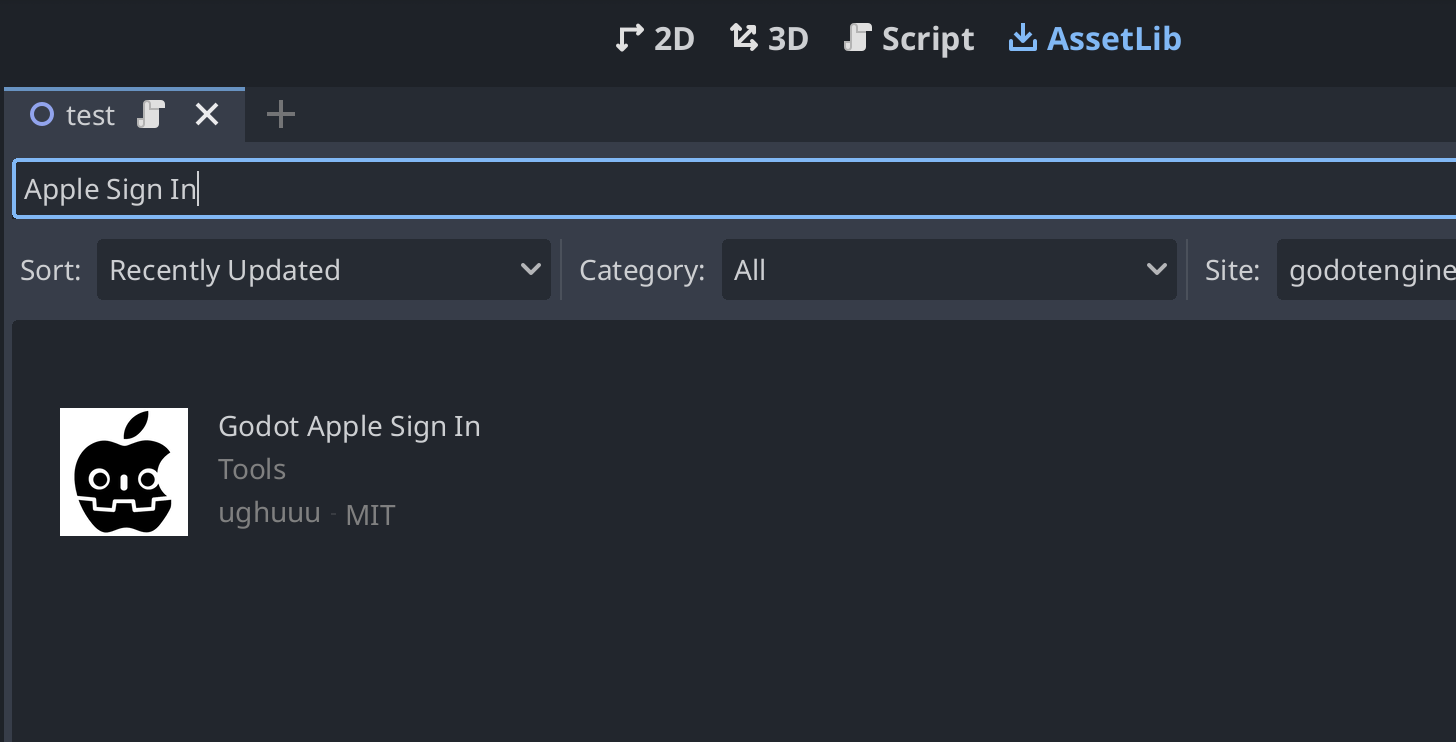
Then download it:
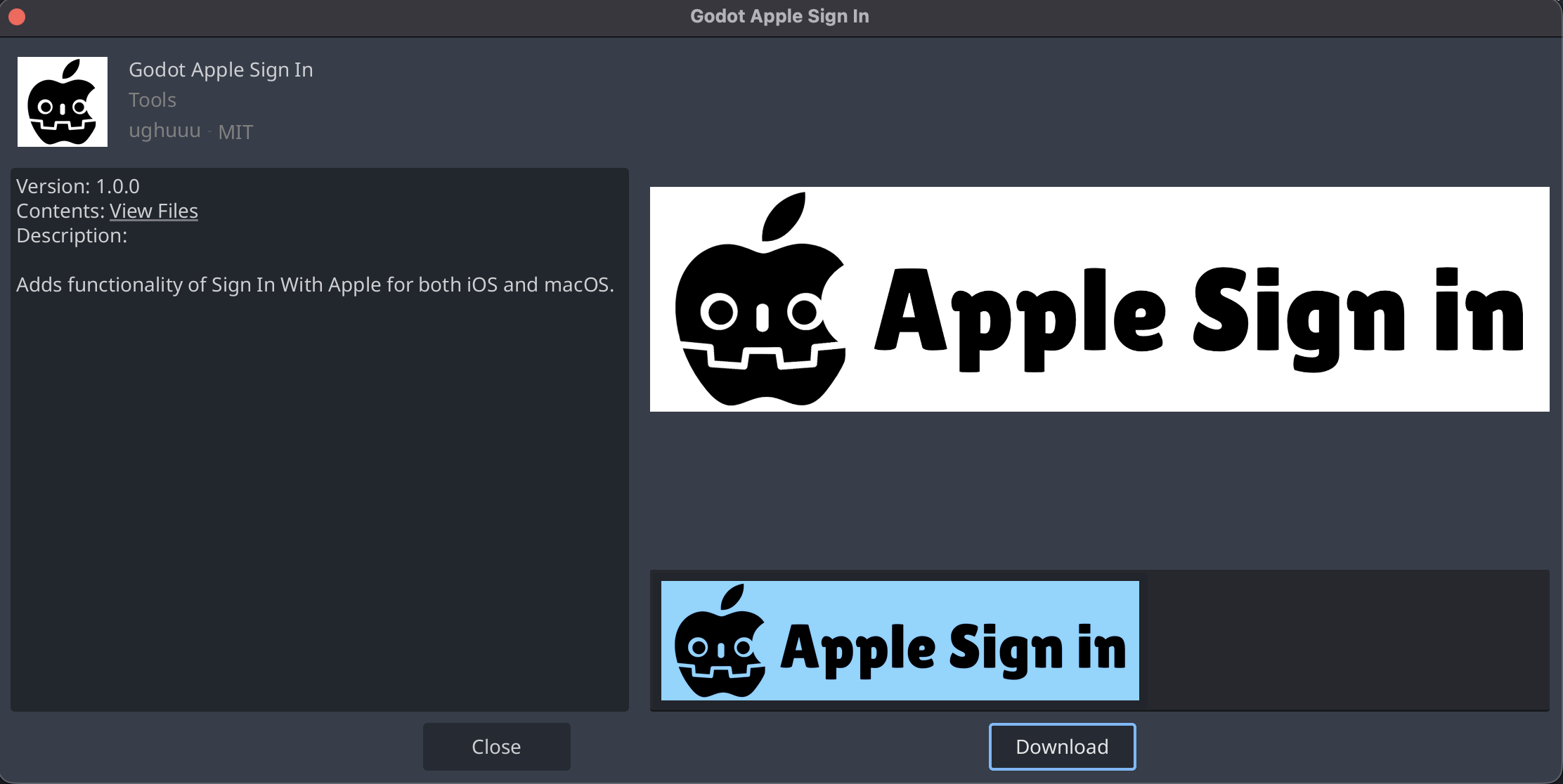
Now, in GDScript you can do:
var apple_sign_in:= AppleSignIn.new()

func _ready() -> void:
	apple_sign_in.apple_output_signal.connect(apple_output_signal)
	apple_sign_in.sign_in()

func apple_output_signal(id, email, name, error):
	if error:
		print("Error: ", error)
	else:
		print("Success: ", id, email, name)
Configure
For iOS, set at Project -> Export -> iOS -> entitlements/additional:
<key>com.apple.developer.applesignin</key>
<array>
    <string>Default</string>
</array>
For macOS, set the same entitlements as above (eg. when running codesign):
codesign --force --options=runtime --verbose --timestamp \
  --entitlements entitlements.plist --sign "<SIGN_ENTITY>" \
  "MyApp.app/Contents/MacOS/MyApp"
where entitlements.plist contains again:
<key>com.apple.developer.applesignin</key>
<array>
    <string>Default</string>
</array>