Gamend - Game Server Deploy
dragos Apps In A Cup

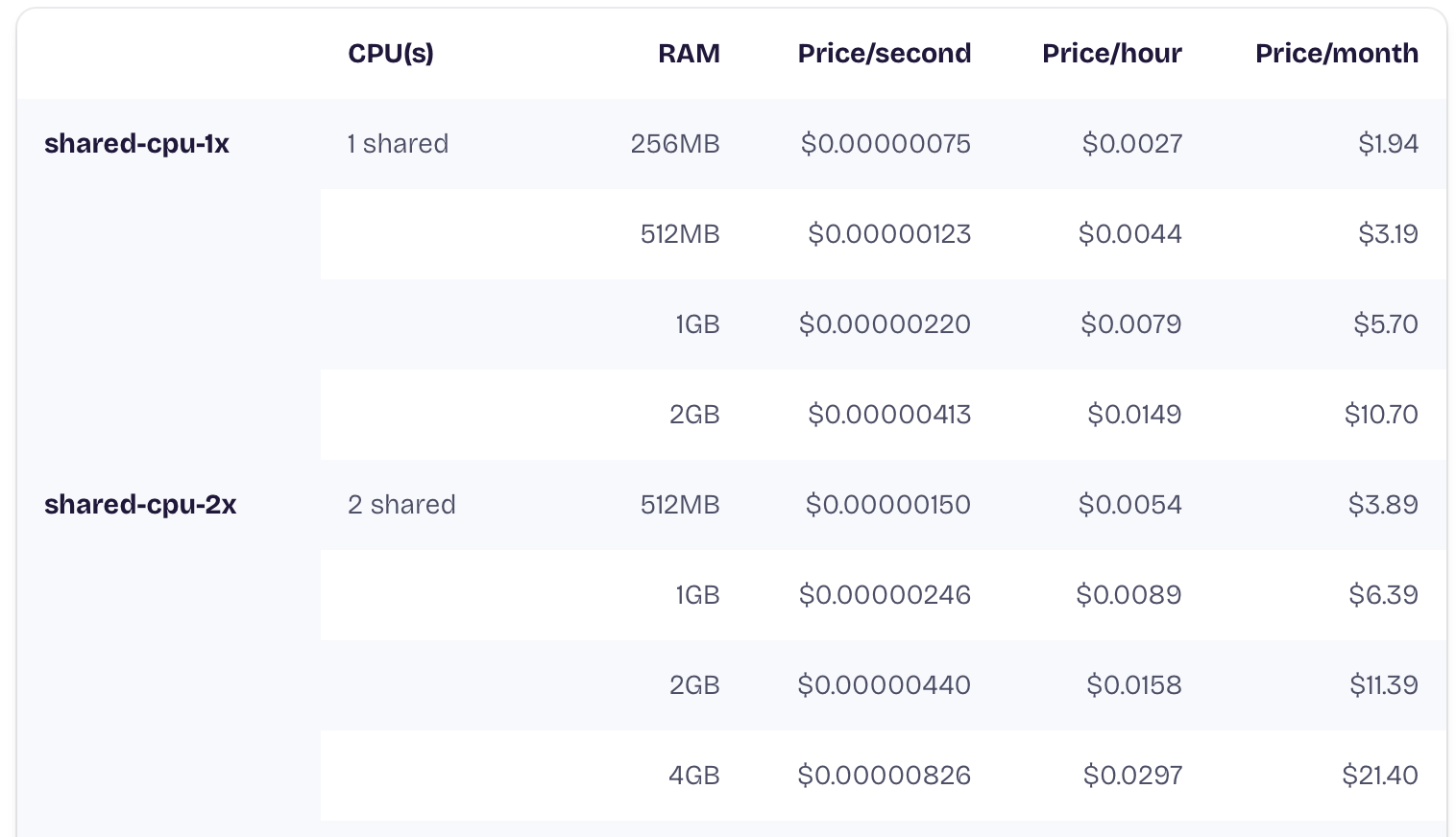
This tutorial will help you to deploy Gamend using fly.io. For this we are using a shared instance that will cost about 5$ per month (shared-cpu-2x with 512MB) (Fly.io pricing):
Create an account
- Create an account on fly.io.
- Install locally flyctl:
# macOS
brew install flyctl
# Linux
curl -L https://fly.io/install.sh | sh
# Windows
pwsh -Command "iwr https://fly.io/install.ps1 -useb | iex"
Configure
- Clone/fork the gamend_starter repo.
- Run in the repo the following command:
fly deploy
Deploy
- Select
yon the re-use fly.io (first prompt), then press Enter on other questions:
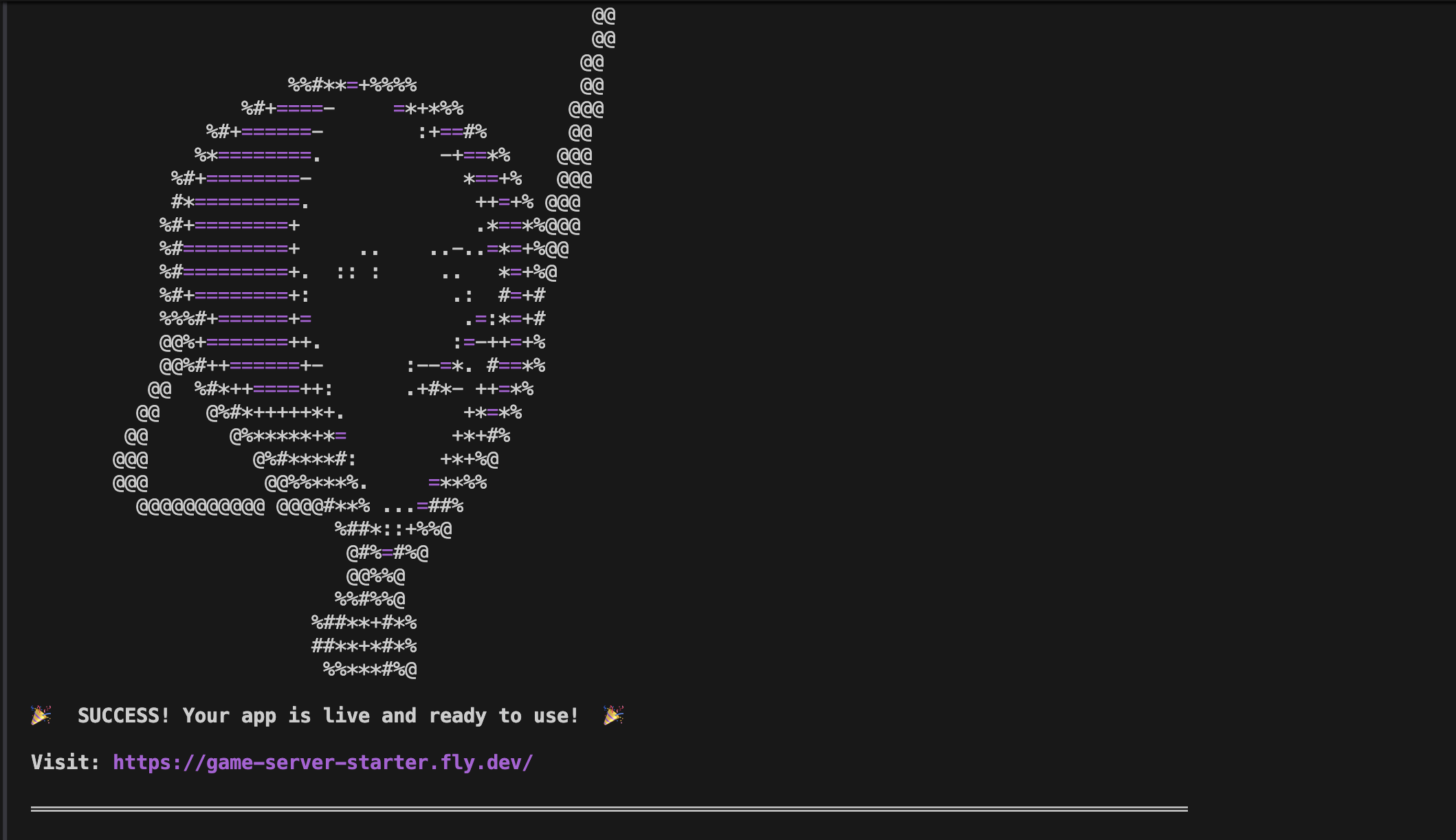
- That’s it, at the end you will be given a URL you can visit to see the app:
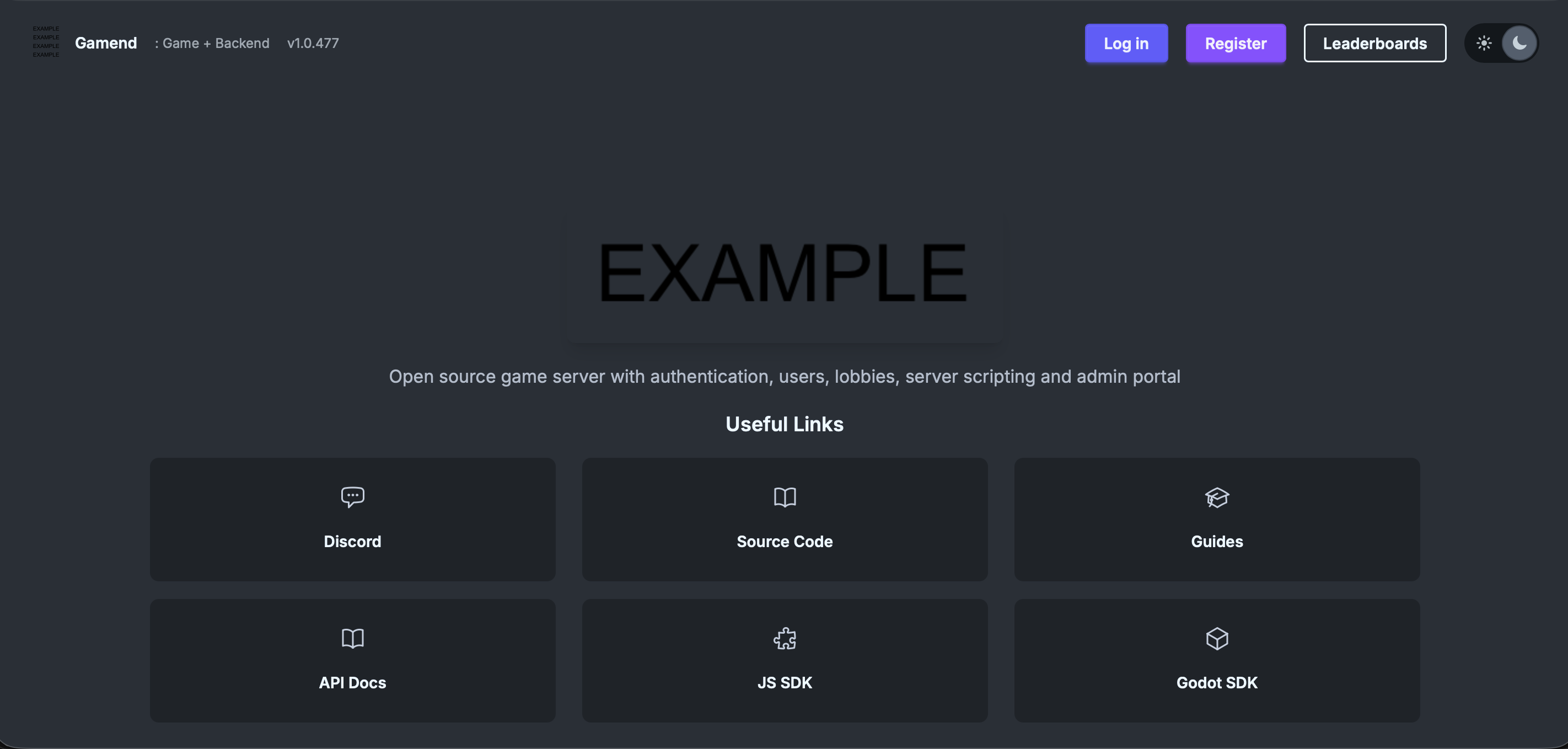
- Go to the URL and Register using Email (first account created will be Admin).
Notes:
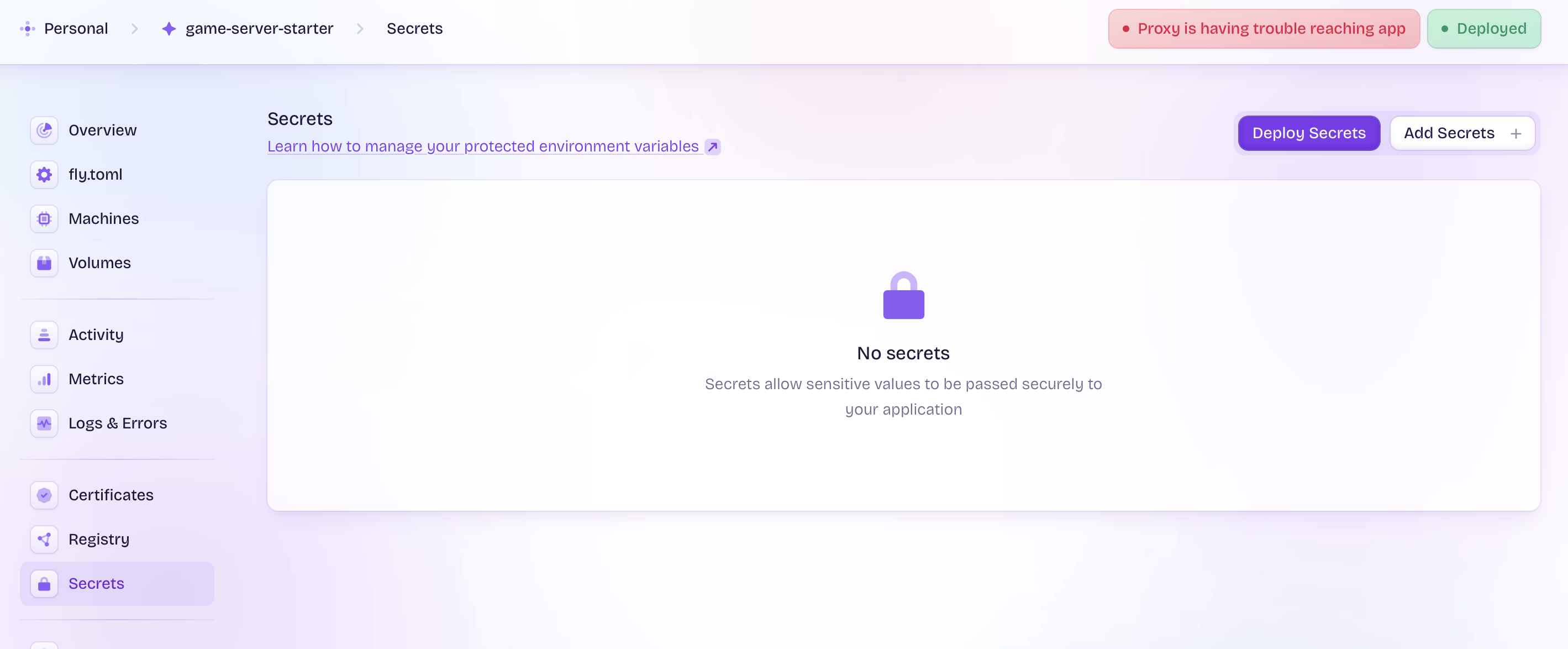
This starter uses dev mode and has nothing configured. If you want to do a real deployment, configure secrets in the fly.io Secrets tab (eg. OAuth, Email server, etc.)
Also, this is a simple deployment with 1 instance, SQLite and local caching. For more complex deployments, see the Scaling article.